Client features
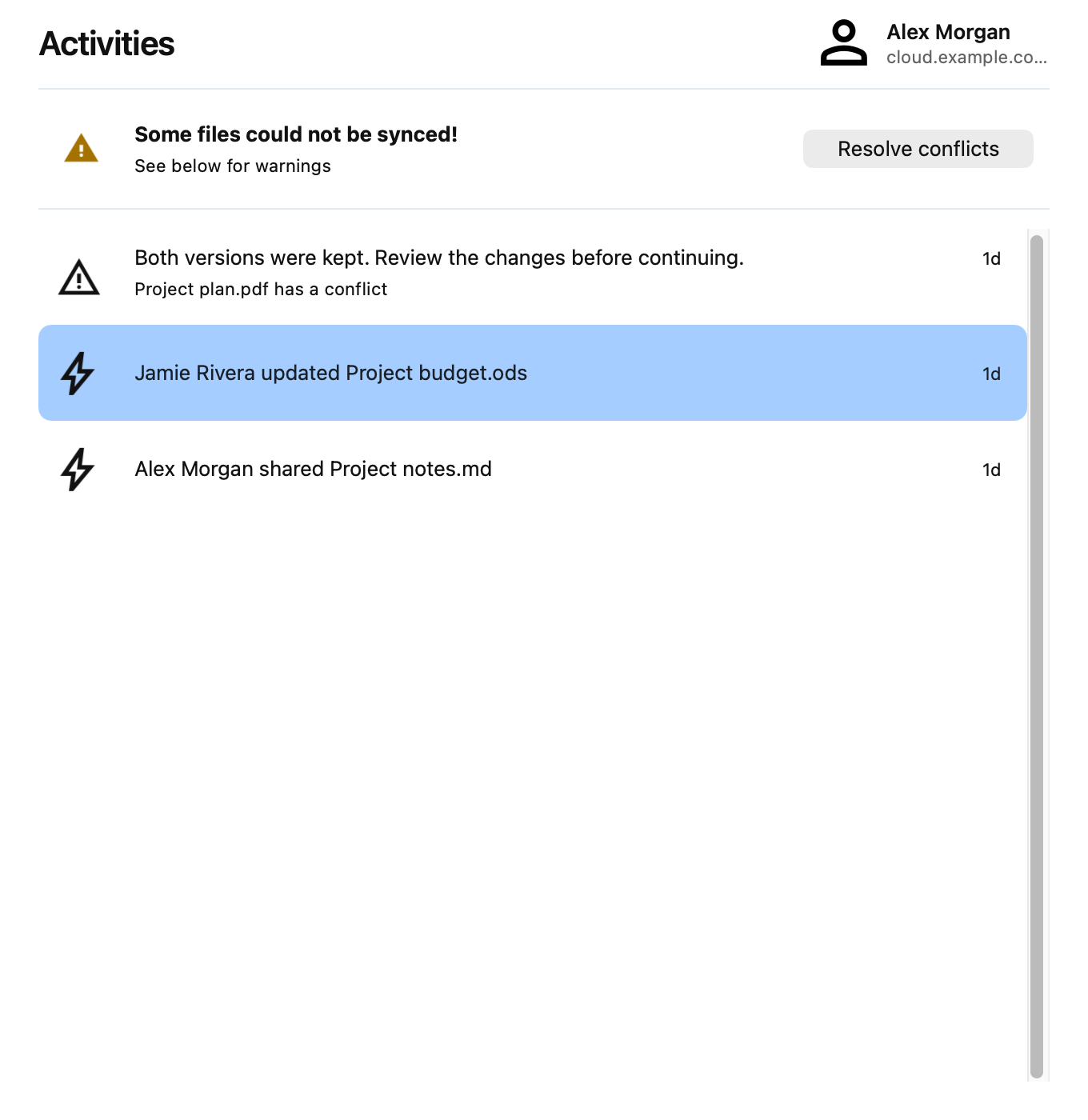
Activities
Open Activities in the client to see recent file activity and synchronization warnings. If files conflict, use Resolve conflicts to review them.
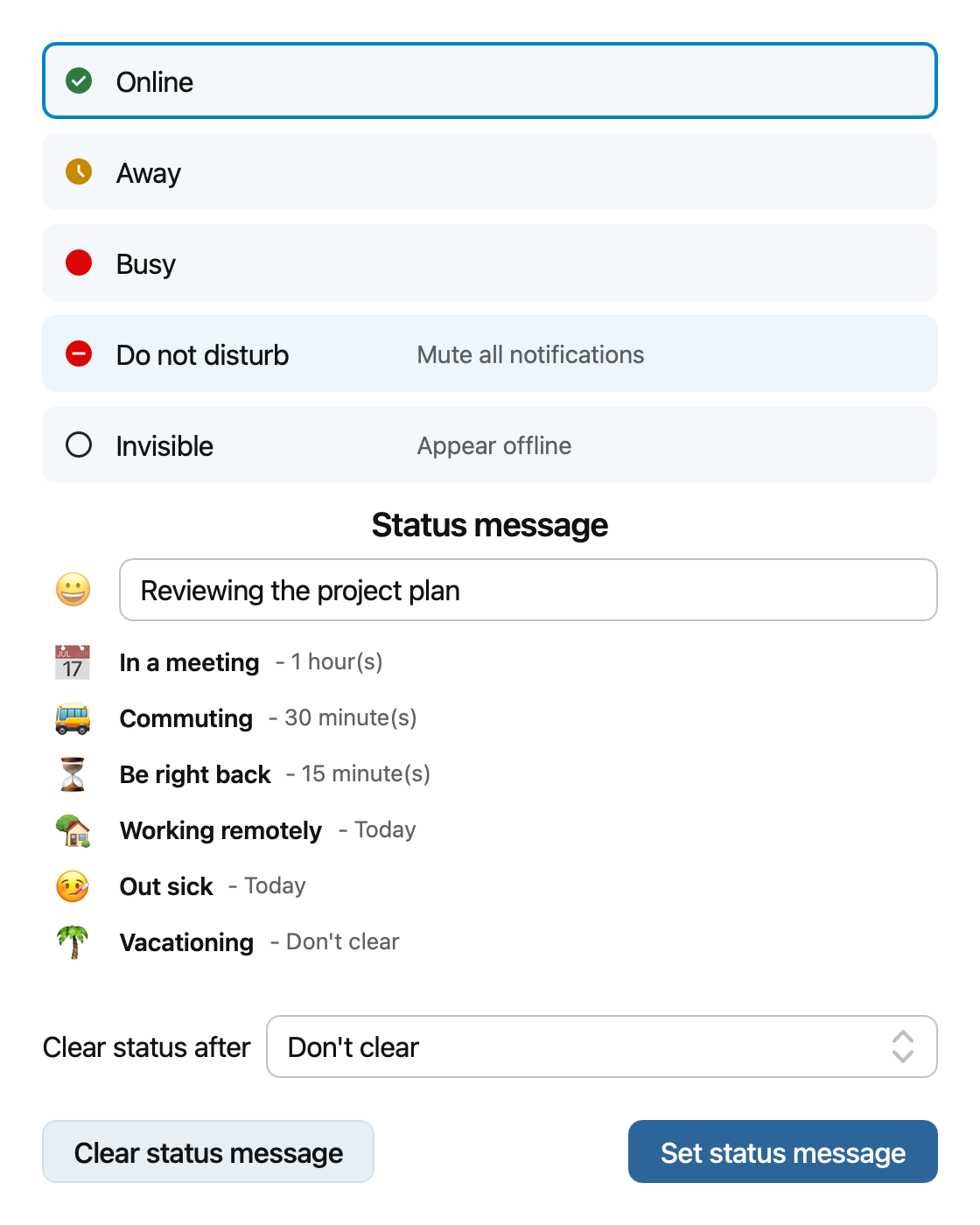
User status
If your server has the user status app, open your account in the settings dialog and click Online status. Choose your availability, enter a status message or select a suggested one, and choose when to clear it. Click Set status message to save it, or Clear status message to remove an existing message.
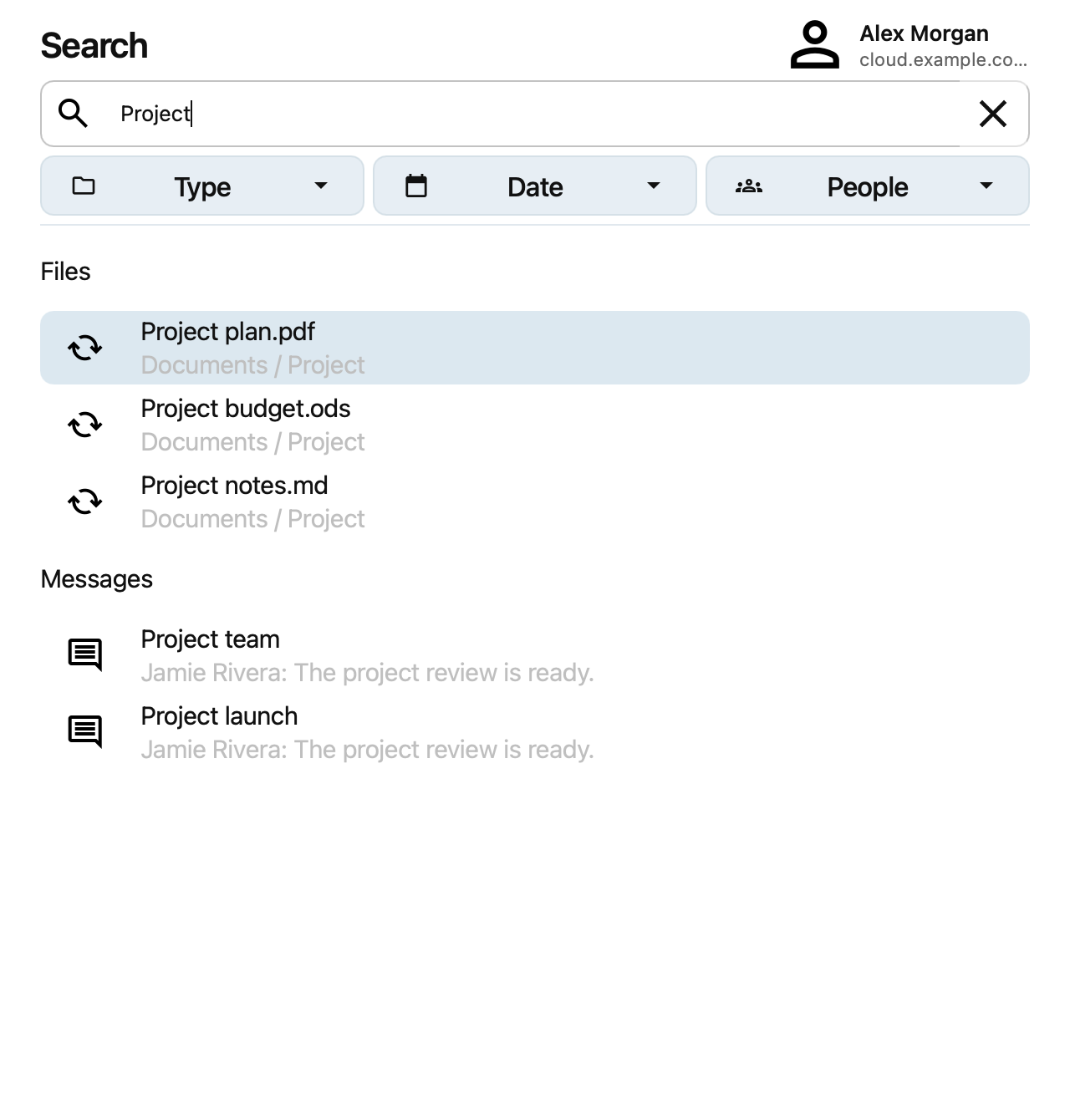
Search
Open Search in the client and enter a term to find files and other results from your Nextcloud server. Use the Type, Date, and People filters to narrow the results.
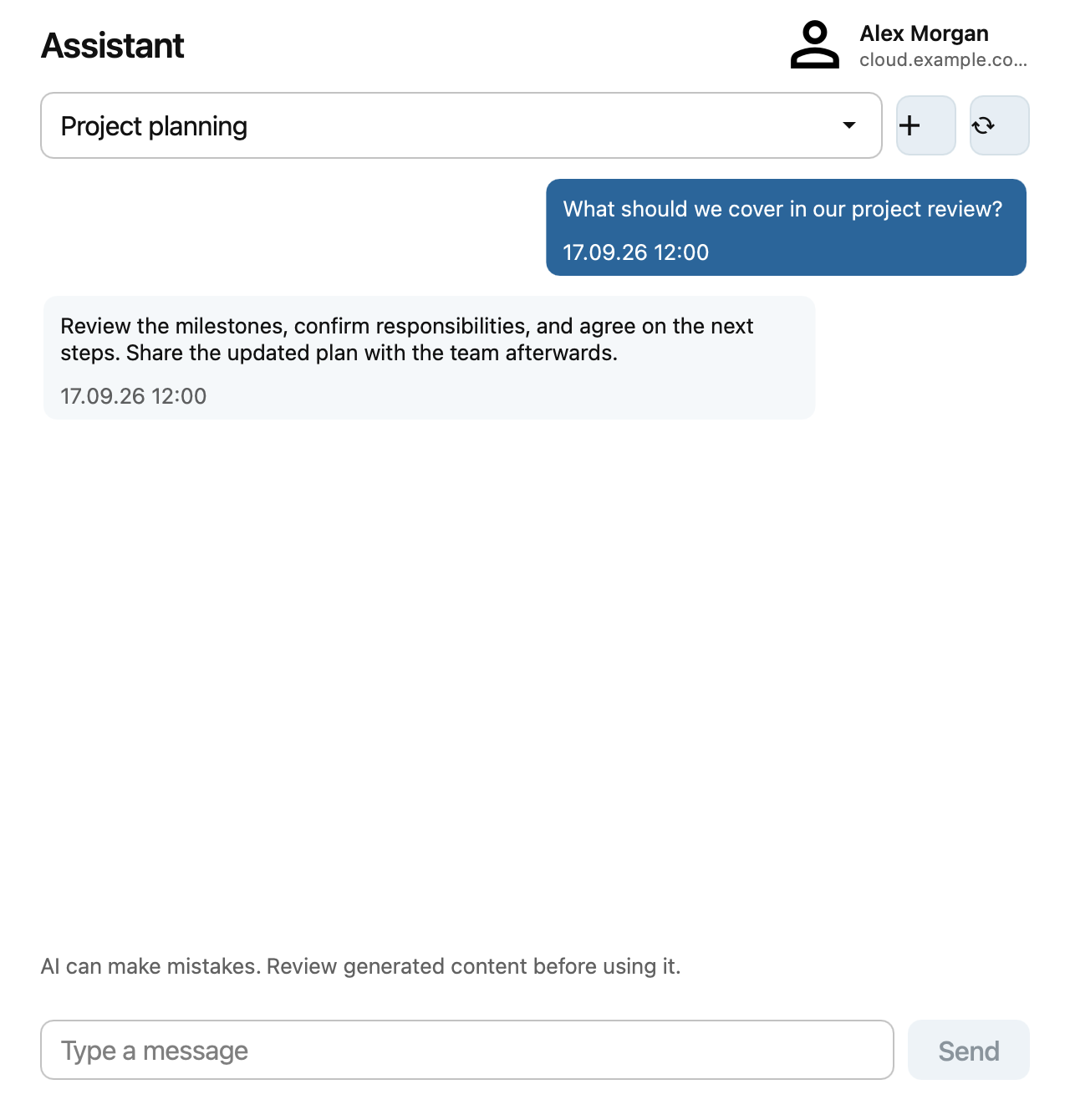
Assistant
If your server provides the Assistant, open Assistant in the client to ask a question or continue a conversation. Select a conversation, type your message, and click Send.